
App Screenshots & Interface Preview
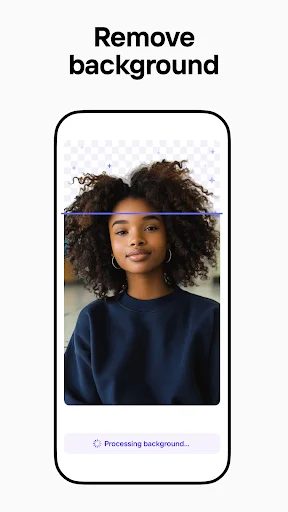
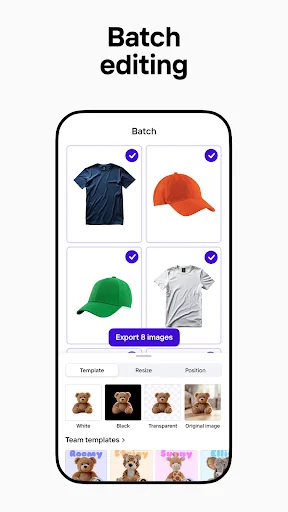
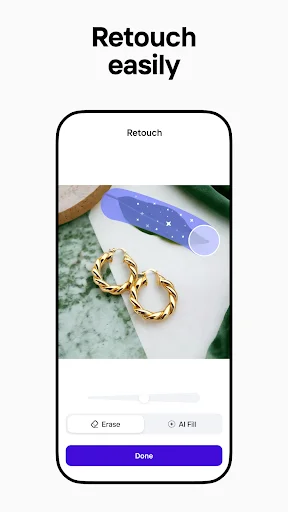
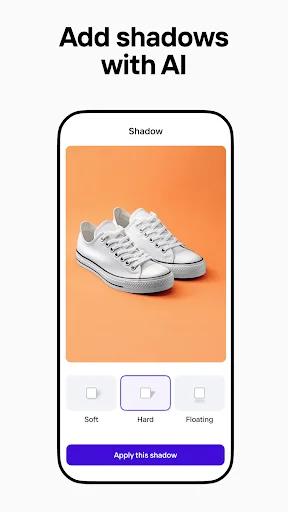
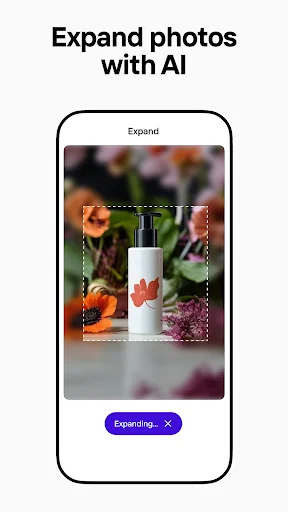
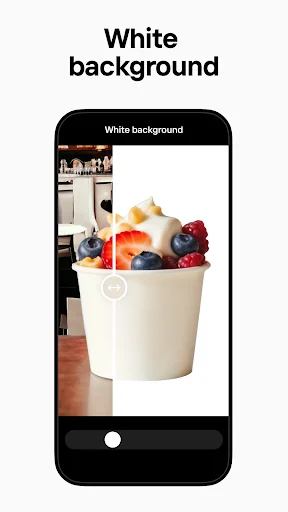
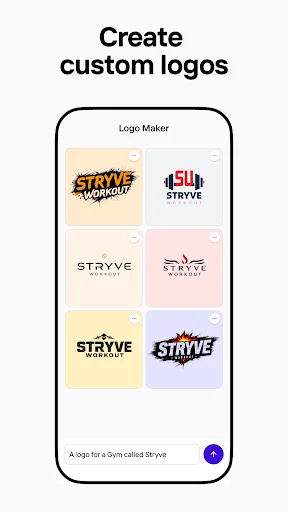
Explore Photoroom AI Photo Editor's actual user interface through these 8 authentic screenshots captured from the official app stores.

Pricing & Availability
FREE
Download Price
$5.99 - $249.99 per item
In-App Purchases
Android & iOS
Available Platforms
System Requirements
Updated
Dec 23, 2025
Downloads
100M+
Size
266MB
Developer
Photoroom AI Photo Editor
Version
2025.52.02
Package Name
com.photoroom.app
Pros & Cons
Pros
- ✓ AI-powered features streamline the design process effortlessly.
- ✓ Batch editing saves time for e-commerce sellers and content creators.
- ✓ User-friendly interface requires no prior design experience.
- ✓ Versatile tools for generating images suitable for various platforms.
- ✓ Collaboration features enhance teamwork and brand consistency.
Cons
- ✗ Some advanced features require a subscription upgrade.
- ✗ Occasional glitches with AI suggestions that may need manual adjustments.
- ✗ Limited free templates compared to premium options.
- ✗ Export limits on the free version may hinder larger projects.
Ratings
based on 9060 reviews
Description
Photoroom AI Photo Editor is the best free photo editing app designed to transform any image into a professional-quality masterpiece. Utilizing cutting-edge AI technology, this app simplifies the design process, allowing users to create stunning visuals with ease. Whether you need to erase backgrounds, enhance product images, or generate promotional materials, Photoroom offers a seamless experience. With its intuitive interface, even those without design experience can produce eye-catching graphics. The app supports various platforms, making it easy to tailor images for e-commerce websites, social media, and more, ensuring your brand stands out in a crowded marketplace. Join millions of users who trust Photoroom to elevate their images and drive engagement effortlessly.
Editor's Review
After testing Photoroom AI Photo Editor, it’s clear why it's regarded as the best free photo editing app available today. This powerful tool offers users an impressive array of features that cater to both novices and seasoned designers. The AI technology is a game-changer; simply describe what you want to achieve, and the app generates beautifully professional designs, making it perfect for e-commerce sellers and content creators alike. One of the standout features is the ability to remove and replace backgrounds quickly, a task that would typically be tedious and time-consuming. Moreover, the batch editing feature allows you to enhance multiple images simultaneously, making this app a significant time-saver. Whether you’re posting on Instagram or listing items on Shopify, Photoroom ensures your images remain crisp and vibrant without pixelation. The collaborative tools also allow teams to work effortlessly together, ensuring consistency in branding. With Photoroom, creating professional visuals is no longer a daunting task; it’s a delight. This app is certainly worth trying if you want to elevate your photography and branding game.
Review Methodology & Author
Michael Chen
Senior App Reviewer
Tech enthusiast with 8+ years of experience reviewing mobile applications. Specializes in productivity and utility apps.
Our Review Process
- 1Installation & Setup: We download and install each app from official app stores (Google Play / App Store) to ensure authenticity.
- 2Hands-on Testing: Our team tests core features, user interface, and overall performance across different devices.
- 3User Feedback Analysis: We aggregate and analyze user reviews from official stores to identify common strengths and pain points.
- 4Regular Updates: Reviews are updated periodically to reflect the latest app versions and user experiences.
Data Source & Transparency
Official Data Sources
- ✓Google Play Store
- ✓Apple App Store
- ✓Developer: Photoroom AI Photo Editor
Data Freshness
- ◉App Updated: Dec 23, 2025
- ◉First Released: Dec 16, 2020
- ◉Review Verified: Dec 24, 2025
Disclaimer: All app information, screenshots, and ratings are sourced directly from official app stores. We strive to keep our data accurate and up-to-date, but app details may change. Always verify current information on the official store pages before downloading.
Similar Apps

Mileage Tracker & Log - MileIQ
Finance
1M+

Fantasia: Character AI Chat
Entertainment
1M+

Proton VPN: Fast & Secure VPN
Tools
50M+

Joist Invoices for Contractors
Business
1M+

Shonen Jump Manga & Comics
Comics
1M+

Novellair-Your Book Nook
books-reference
500K+

Aveola: Random Live Video Chat
Lifestyle
1M+

Magic: Fantasy Roleplay Chat
Entertainment
500K+

Emochi: Chat With Character
Entertainment
10M+

The Weather Channel - Radar
Weather
100M+

MacroFactor - Macro Tracker
health-fitness
1M+

PDF Scanner app - TapScanner
Business
100M+