
App Screenshots & Interface Preview
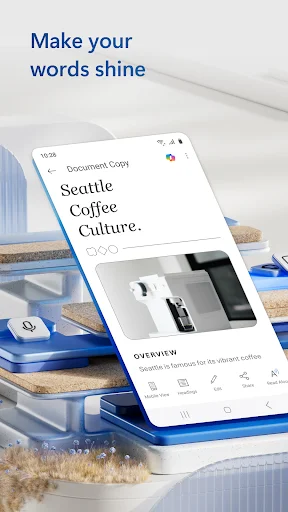
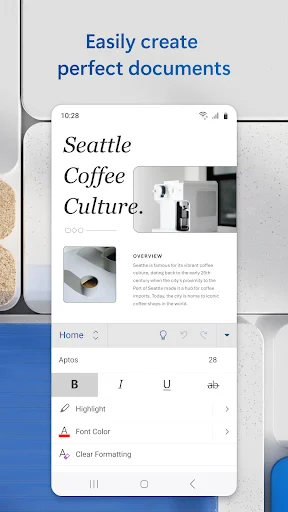
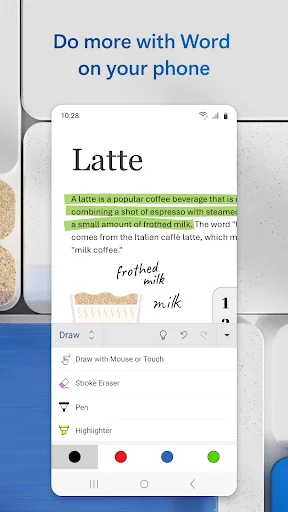
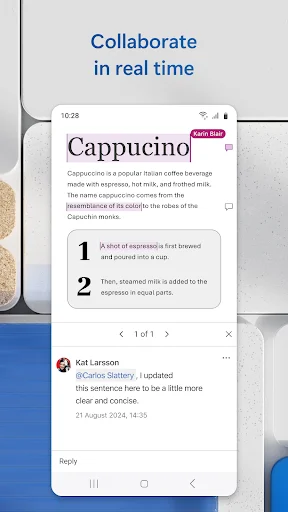
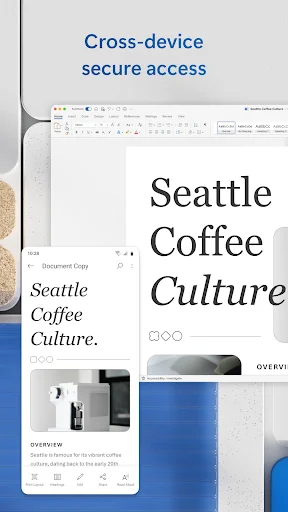
Explore Microsoft Word: Edit Documents's actual user interface through these 7 authentic screenshots captured from the official app stores.
Pricing & Availability
FREE
Download Price
$0.99 - $129.99 per item
In-App Purchases
Android & iOS
Available Platforms
System Requirements
Updated
Dec 18, 2025
Downloads
1B+
Size
482MB
Developer
Microsoft Corporation
Version
VARY
Package Name
com.microsoft.office.word
Pros & Cons
Pros
- ✓ Intuitive interface that closely resembles the desktop version.
- ✓ Rich library of templates for various document types.
- ✓ Seamless collaboration features that allow real-time editing.
- ✓ Effortless PDF conversion both to and from Word format.
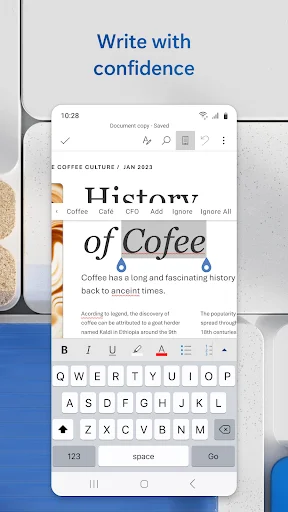
- ✓ Built-in proofreading tools to enhance writing quality.
Cons
- ✗ Requires a Microsoft account for full functionality.
- ✗ Some advanced features are limited in the free version.
- ✗ Can be resource-intensive on older devices.
- ✗ Occasional sync issues with cloud storage.
- ✗ Ads may appear in the free version, affecting the experience.
Ratings
based on 7913 reviews
Description
Microsoft Word is the quintessential document editing tool that you can carry in your pocket. Designed for both personal and professional use, this app allows you to create and edit documents just like you would on your PC. Whether you're drafting a cover letter, collaborating on a project, or converting files to PDF, Microsoft Word equips you with all the necessary tools to ensure seamless productivity on the go. Its user-friendly interface makes reading and editing documents effortless, while the vast array of templates available helps you craft everything from resumes to newsletters. For anyone in need of the best free writing app, Microsoft Word stands out with its efficient features and robust collaboration options, making it your go-to solution for document management anytime, anywhere.
Editor's Review
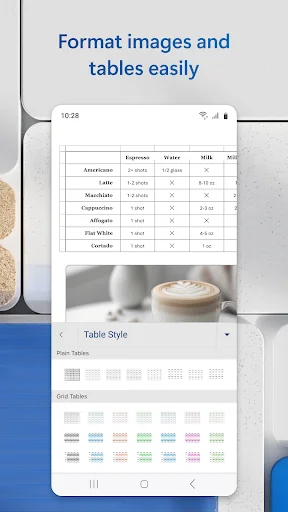
In today's fast-paced world, having easy access to document editing capabilities is crucial, and Microsoft Word excels in this area. As one of the best free writing apps available, it empowers users to create, read, and edit documents directly from their mobile devices. The app's intuitive interface mirrors the desktop experience, allowing for a smooth transition between devices. Collaboration is made simple with features that let you leave comments and track changes in real time, ensuring everyone stays on the same page. You can also convert PDFs to Word documents and vice versa with ease, a feature that enhances the app's versatility. Whether you're drafting a professional report or jotting down ideas for your blog, Microsoft Word provides a rich set of formatting tools and templates that cater to all writing needs. Overall, if you're looking for a powerful yet accessible document editing tool, Microsoft Word is an indispensable app for both seasoned professionals and casual users alike.
Review Methodology & Author
James Thompson
Senior App Reviewer
Privacy and security researcher who evaluates apps for data practices and user safety.
Our Review Process
- 1Installation & Setup: We download and install each app from official app stores (Google Play / App Store) to ensure authenticity.
- 2Hands-on Testing: Our team tests core features, user interface, and overall performance across different devices.
- 3User Feedback Analysis: We aggregate and analyze user reviews from official stores to identify common strengths and pain points.
- 4Regular Updates: Reviews are updated periodically to reflect the latest app versions and user experiences.
Data Source & Transparency
Official Data Sources
- ✓Google Play Store
- ✓Apple App Store
- ✓Developer: Microsoft Corporation
Data Freshness
- ◉App Updated: Dec 18, 2025
- ◉First Released: Jan 6, 2015
- ◉Review Verified: Dec 28, 2025
Disclaimer: All app information, screenshots, and ratings are sourced directly from official app stores. We strive to keep our data accurate and up-to-date, but app details may change. Always verify current information on the official store pages before downloading.
Similar Apps

Mileage Tracker & Log - MileIQ
Finance
1M+

Fantasia: Character AI Chat
Entertainment
1M+

Proton VPN: Fast & Secure VPN
Tools
50M+

Joist Invoices for Contractors
Business
1M+

Shonen Jump Manga & Comics
Comics
1M+
Novellair-Your Book Nook
books-reference
500K+

Aveola: Random Live Video Chat
Lifestyle
1M+

Magic: Fantasy Roleplay Chat
Entertainment
500K+

Emochi: Chat With Character
Entertainment
10M+

The Weather Channel - Radar
Weather
100M+

MacroFactor - Macro Tracker
health-fitness
1M+
PDF Scanner app - TapScanner
Business
100M+